The flatbed is the point of the upgrade
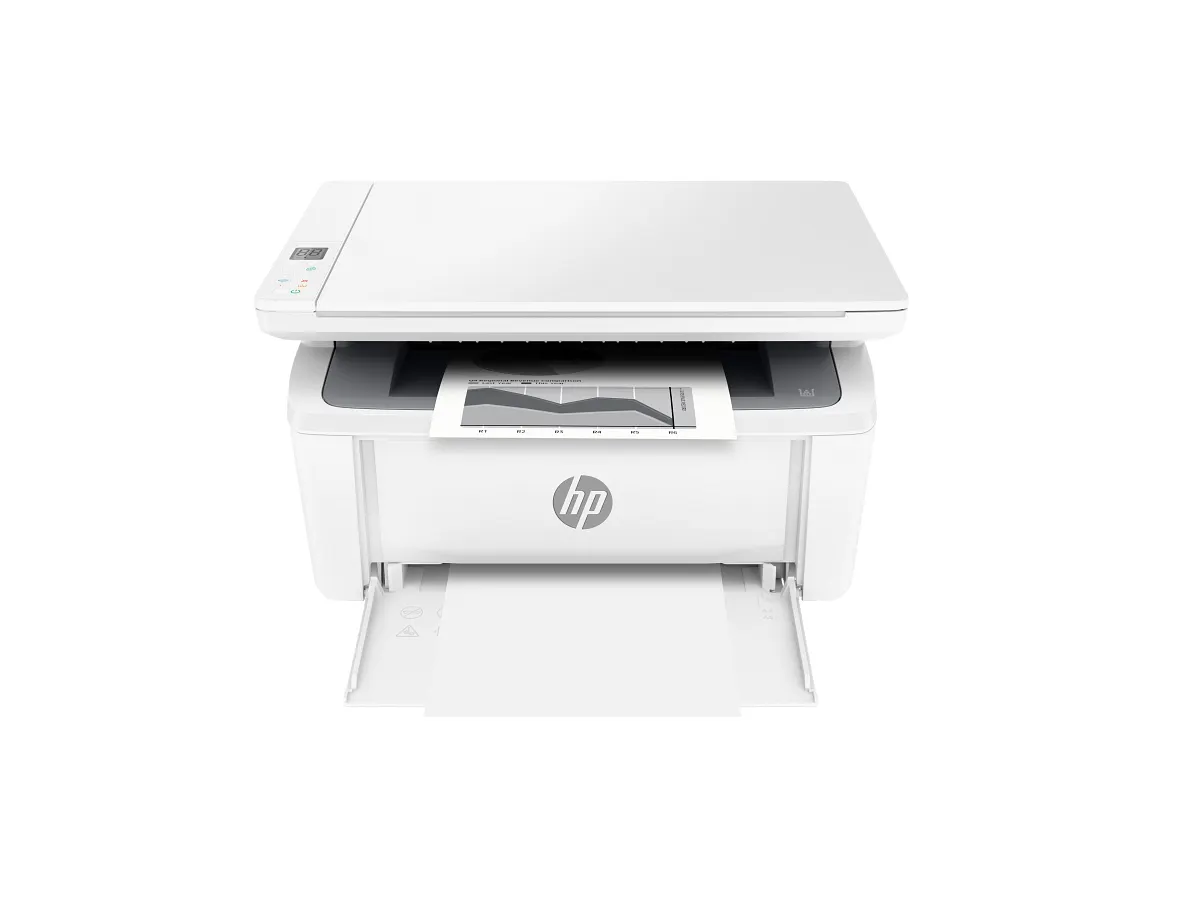
Compared with a print-only personal laser, the M140w adds a place to capture an original or make a copy. That can be valuable for a desk handling an occasional signed page, a small receipt or a suitable document that needs to lie flat.
It is not an automated intake station. Every original requires attention on the glass, so a collection of multipage records changes the effort involved. Count those tasks before selecting a compact machine for administrative work.
Paper handling stays deliberately simple
The specification lists a 150-sheet input and no automatic duplex printing. This suits short monochrome jobs more naturally than long, two-sided packs. If the latter occurs weekly, compare an automatic-duplex model even if you otherwise like this machine’s scale.
The flatbed scans in color even though printed output is monochrome. Keep that distinction clear when planning file capture. Use an appropriate scan setting for the task instead of assuming that every document needs the largest file or highest available resolution.
Simple supplies still require a plan
A single black toner cartridge avoids separate color replenishment. Look up the compatible local replacement and its published yield before deciding that monochrome automatically means inexpensive ownership. Document density and actual usage still matter.
Keep the scanner glass and supported paper in good condition according to HP’s care instructions. For a small desk, ensure that the lid can open without moving the machine or disturbing a monitor; awkward access can undermine the very convenience the all-in-one adds.
Choose it for individual originals
The M140w is a sensible candidate when scanning is occasional and one page at a time is acceptable. Test a real document through the intended software and check the resulting PDF before making it part of a household filing routine.
For feeder scanning or automatic two-sided reports, investigate an M234-class multifunction model or another appropriately equipped printer. The compact M140w works best when its everyday role stays small and specific rather than expanding into a busy shared-office requirement.
When to look elsewhere
- Unattended batch scanning
- Automatic duplex output
The key specifications
- Rated A4 speed
- Up to 20 black ppm
- Scanner
- Flatbed
- Input
- 150 sheets
- Automatic duplex
- Not included
Check the complete regional specification, current supply compatibility, and software requirements before buying. Manufacturer ratings are not our measured results.
Sources & further reading
HP LaserJet MFP M140w: official HP specifications How our reviews are writtenKeep the decision in perspective.
Explore all reviews